Photograph the work. Pylaros does the sorting.
Built for mobile-site contractors preparing as-built documentation. The field team uploads photos as the work happens; the office receives a sorted set to review against the operator’s guide.
Finishing a site together
The office sends the team a link to the site.
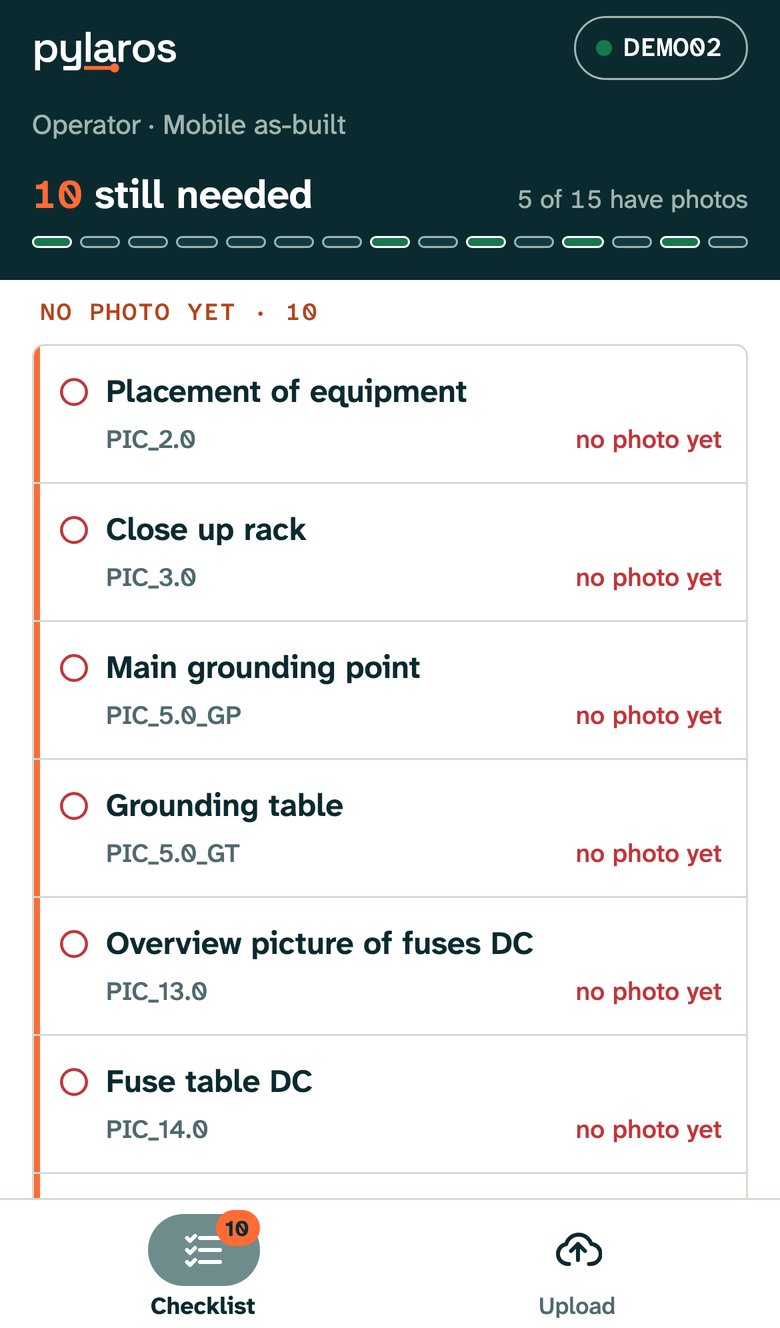
The link gives access to one site, expires and can be revoked. The team uploads photos and taps Run check to see which requirements still need attention before packing up.
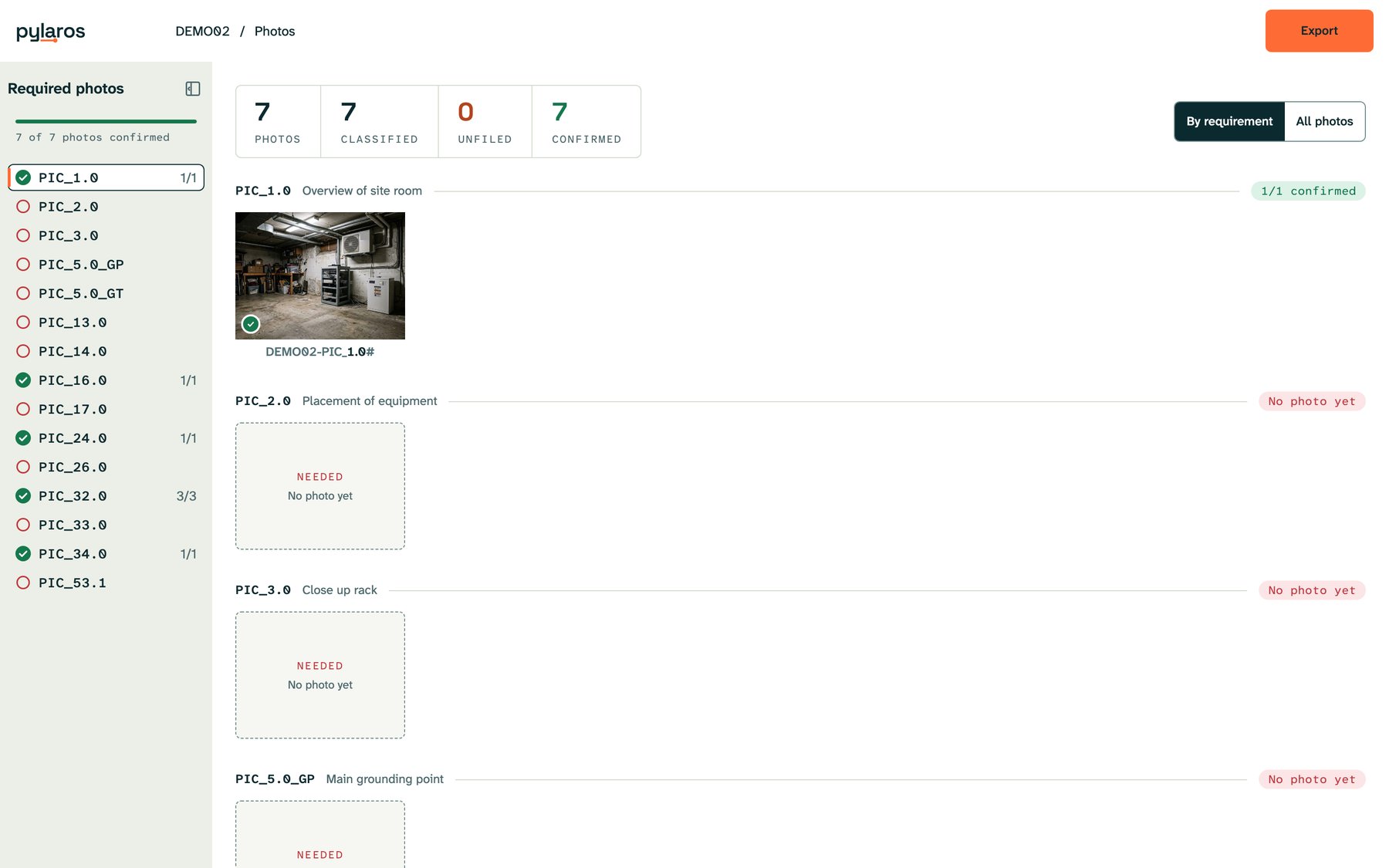
The office works from the same list, reviews the matches and checks the set against the delivery requirements before export.
Take photos as the work happens
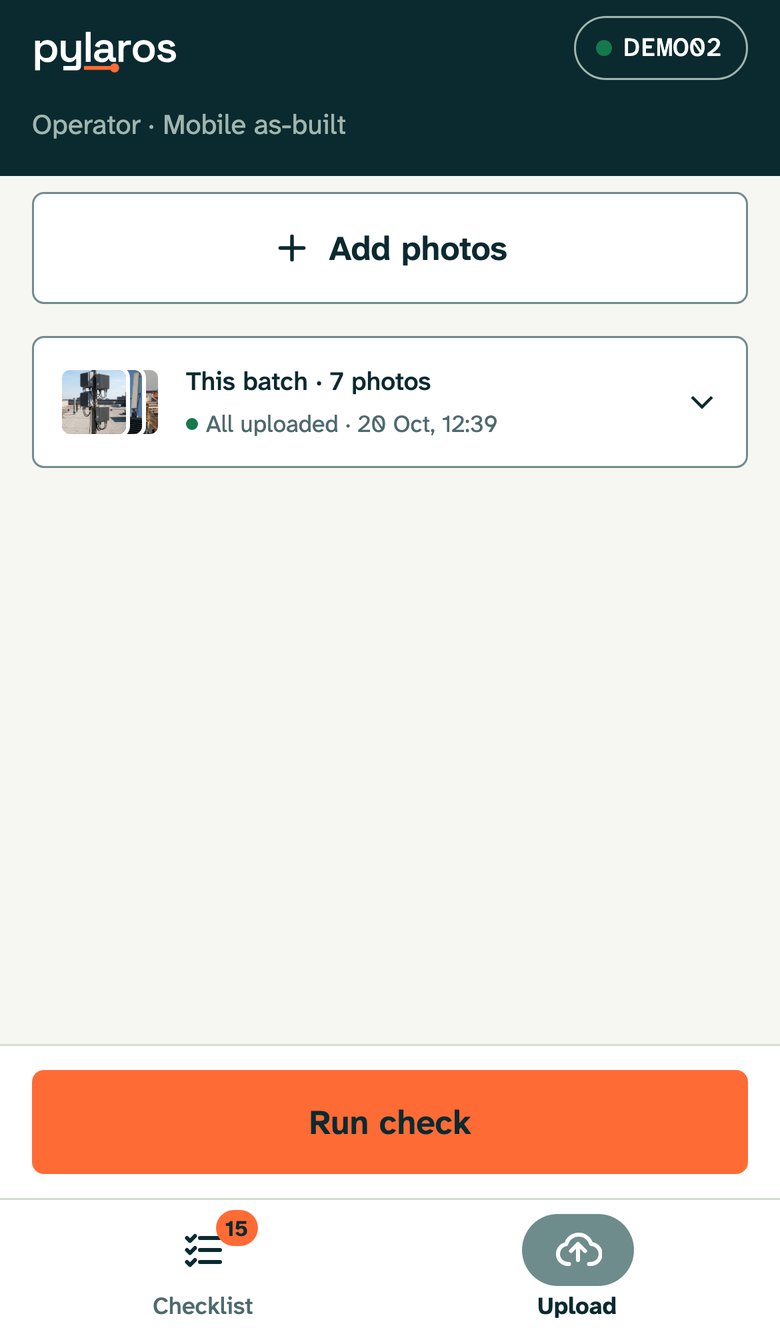
The team can photograph the installation in any order, without selecting a requirement before each shot.
The upload screen marks files that have not arrived. The team can retry them; photos already received are recognised and counted once.
Turn the guide into requirements
Each photo requirement starts with a clause from the operator’s guide.
The requirement pack keeps the original wording and a translation, alongside what the photo must show and how that looks on site.
Requirement record PIC_24.0 RRU overview: the guide's clause in Norwegian and in translation, a plain description, and the expected number of photos
Match each photo to the guide
Each photo is shown to a vision model together with that list. The model must pick one entry from the list or answer “unknown”.
Only listed requirement codes are accepted. Low-confidence or unknown results go to Unfiled with a reason for the reviewer.
Similar shots taken seconds apart are grouped as retakes. One is filed and the others stay available as spares. Extra photos beyond a requirement’s limit are also kept.
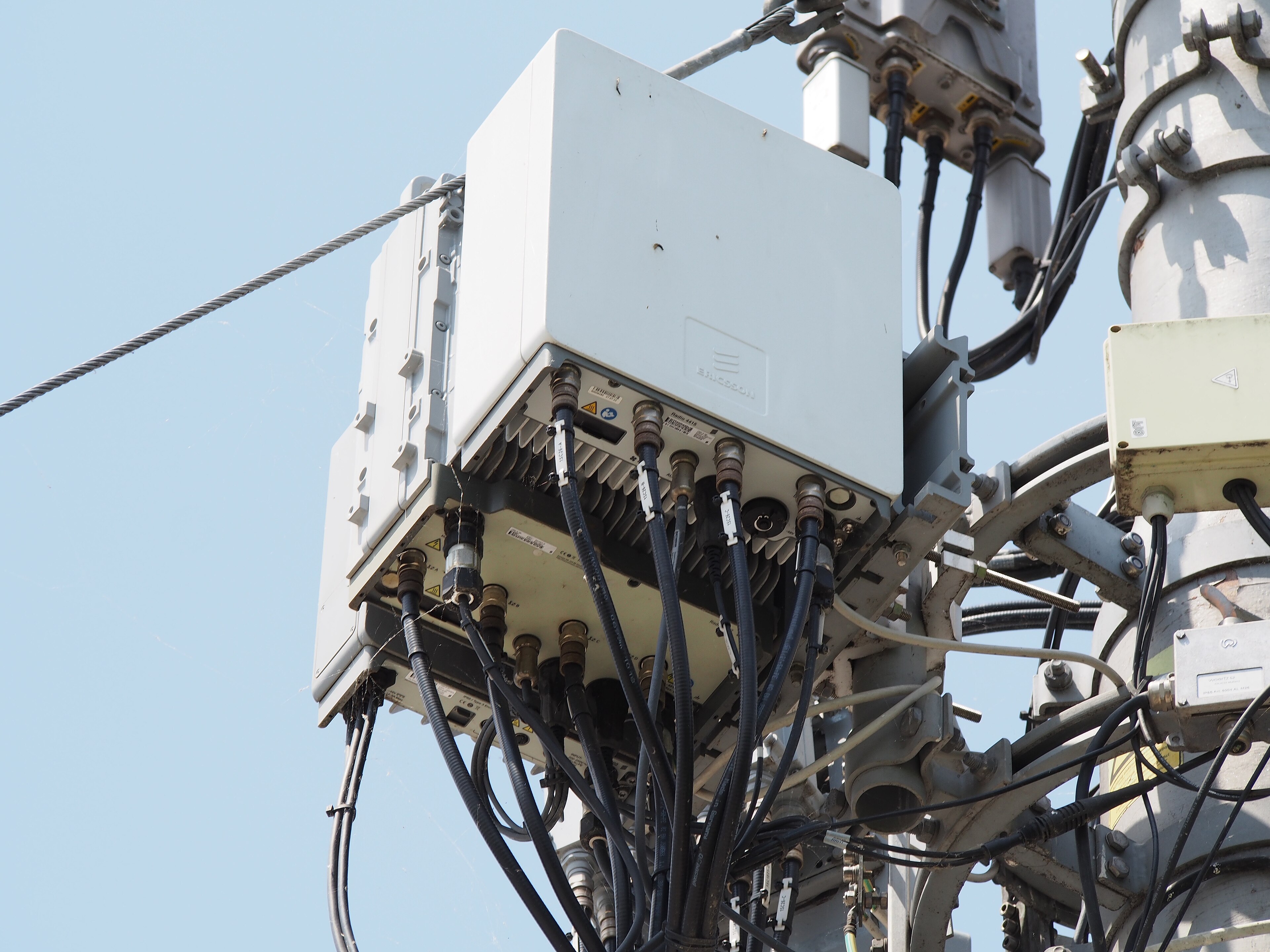
Three photos of the same radio units taken seconds apart on one camera: one is kept under PIC_24.0, two become spares, and the kept photo is named SITE01-PIC_24.0#1.jpg
The name follows the guide’s rule
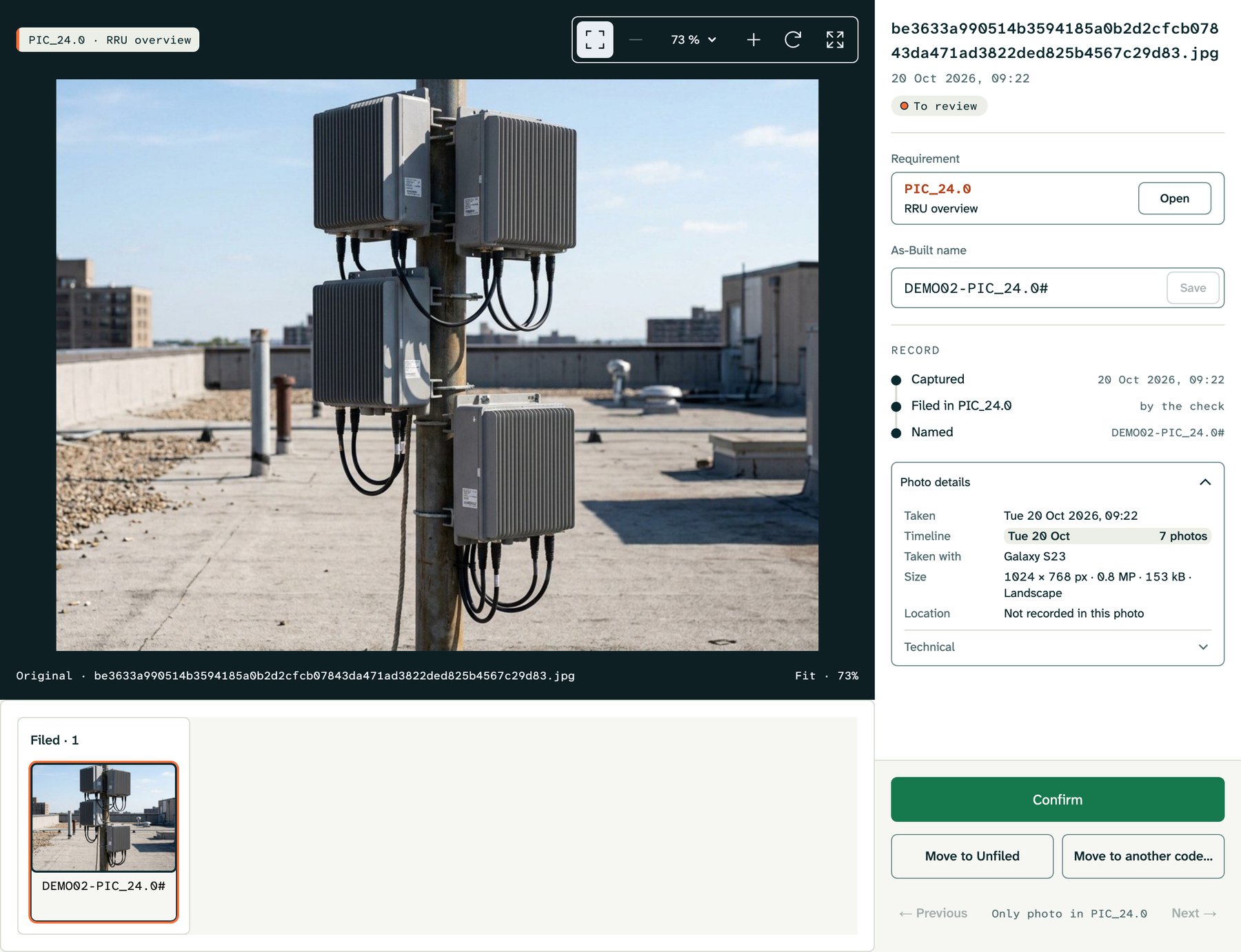
Once a photo has a requirement, its file name is built from the guide’s naming rule.
The RRU photo on site DEMO02 becomes DEMO02-PIC_24.0#, and a second photo of the same requirement gets a number. Nobody types it.
See gaps before leaving the site
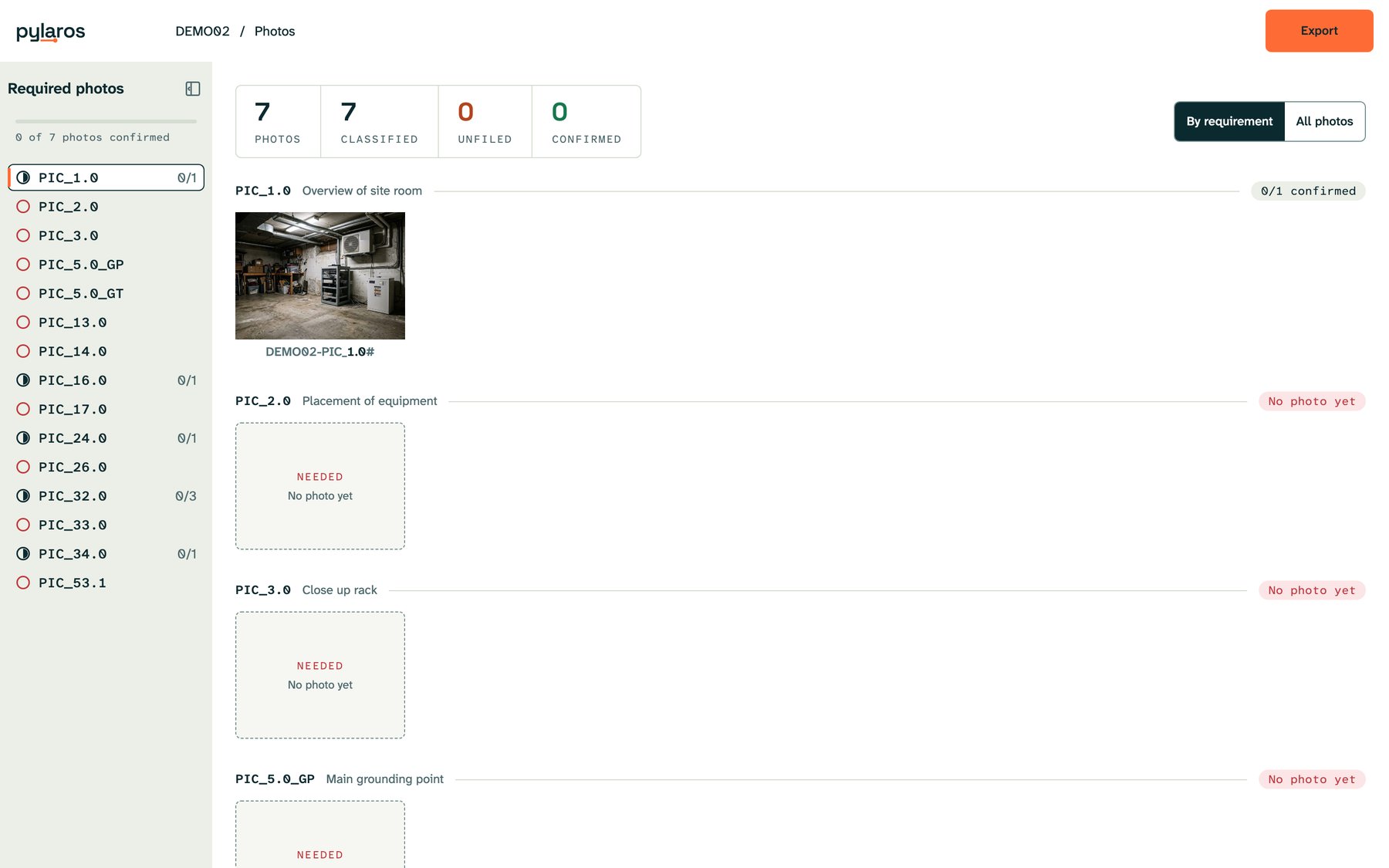
Pylaros compares filed photos with the site’s configured requirement list.
A missing requirement has no filed photo. The team can check Unfiled for a suitable shot or take another while still on site. Reviewing the matches also catches photos filed under the wrong requirement.
Confirm the set for delivery
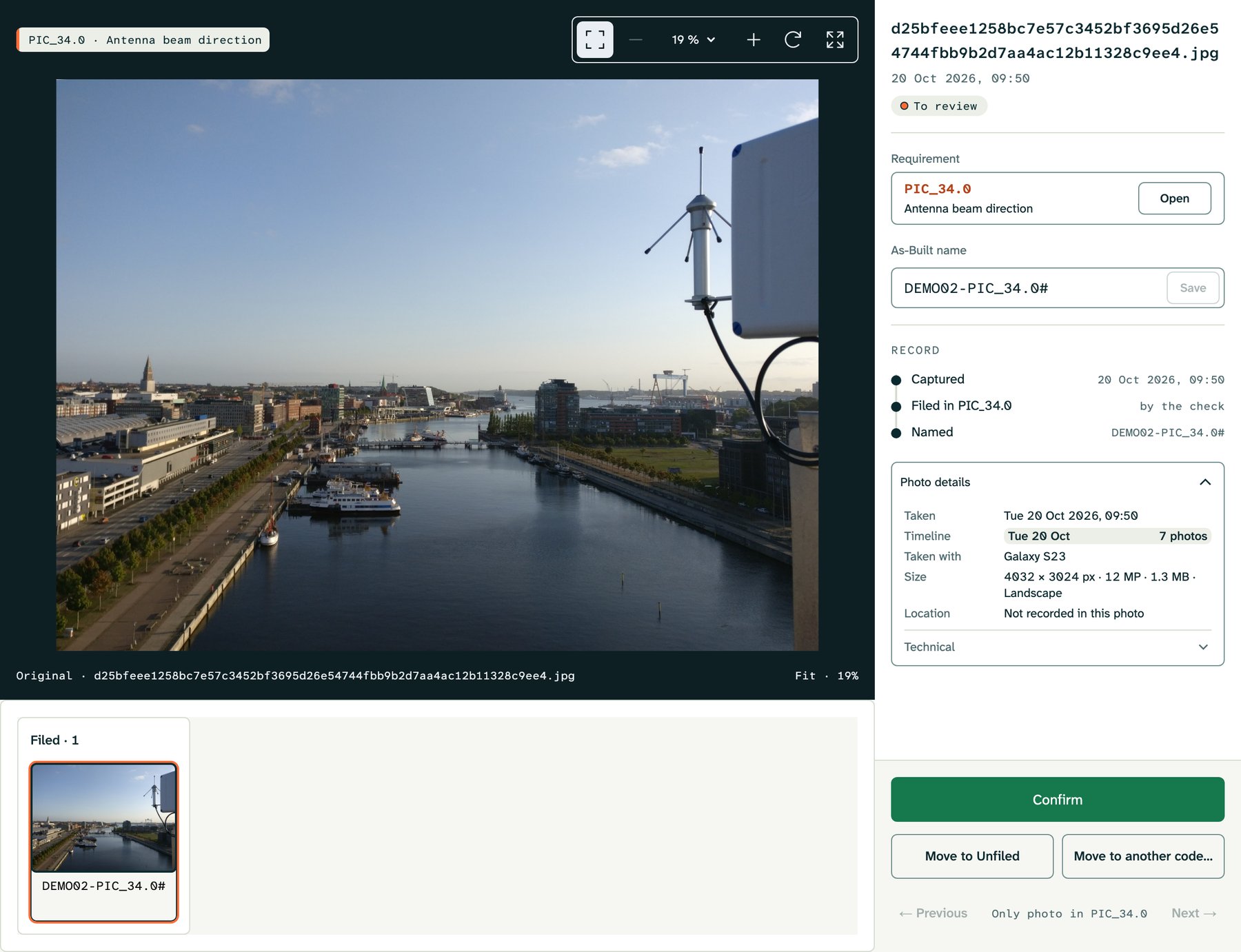
The office steps through the sorted photos one by one.
The viewer puts the photo beside its requirement. The reviewer can confirm, change the code or filename, or move it to Unfiled. Originals are preserved, and the export can include only confirmed photos.
A reviewer’s correction stays in place when the check runs again.